
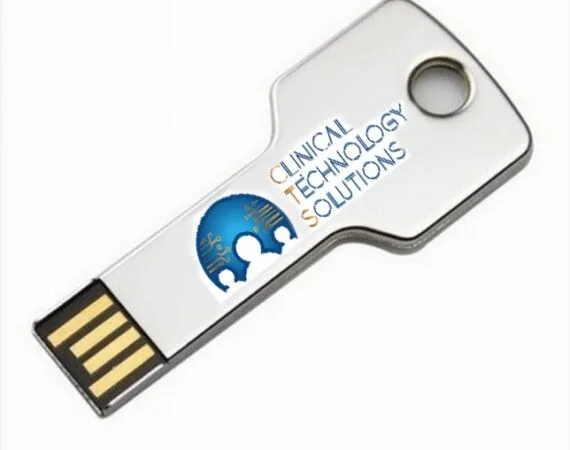
Bedrock CIC USB Ghost Image Utility
The Clinical Technology Solutions Bedrock CIC USB Ghost Utility allows you to re-image the hard drive without running the ghost utility on a separate computer.
It is highly recommended that you make a backup of the configuration before starting. All data on the CIC will be overwritten.
Usage
- Power off the CIC
- Insert a USB drive into an open USB port
- Power on the Bedrock CIC
- From the menu, select the Restore option for the CIC
- After the image is restored, you will get a success message
- Remove the USB drive
- Reboot the CIC and let it finish the installation — the CIC will reboot several times
- After the CIC finishes, configure IP addresses, licensing, printers, and joining to the unit, plus shortcuts if applicable
Follow the instructions in the GE Service Manual for full details.
Fast, Reliable CIC Re-Imaging
Contact Clinical Technology Solutions today for more information on the Bedrock CIC USB Ghost Image Utility or to get started.